
Before you can add any candidates, you must first create the election. The election is the top level of the Elections module.
- Navigate to the Election List
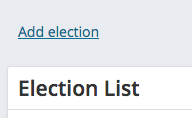
- Click the Add election link at the top of the screen
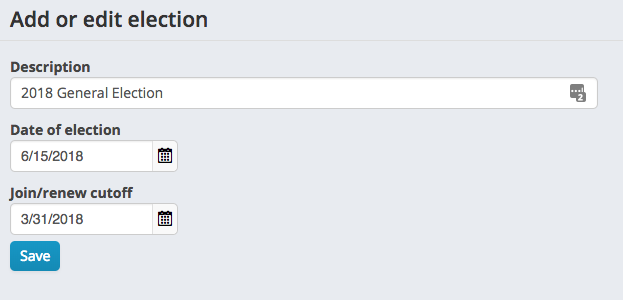
- On the summary tab, enter the information for the election:
- Description - text describing the election. This text will appear in lists and reports so make it clear and descriptive.
- Election date - the date the election will be held
- Join / renew cutoff - used in validating nominators
- Click save
Comments
0 comments
Please sign in to leave a comment.