
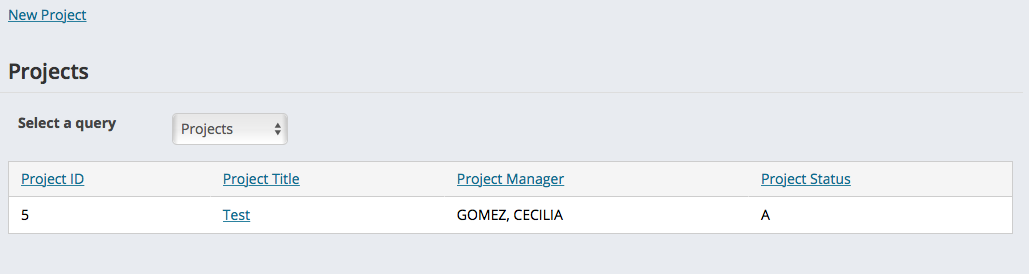
The project list is the first screen that you see when you navigate to the Project Manager module. It will display a list of all project. You can sort the list by any of the columns displayed by clicking on the column header. To open a project, click on the project title.
Templates
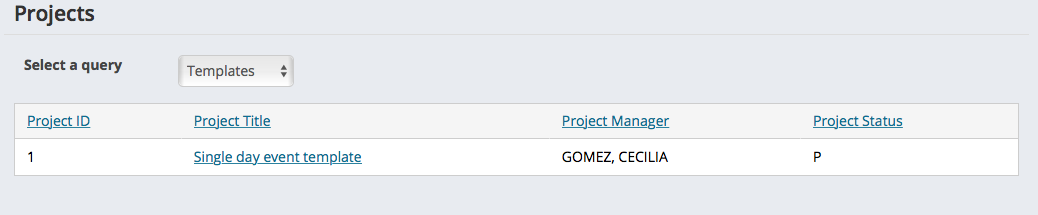
To view a list of project templates, select Templates from the Select a query dropdown list. You can open a template by clicking on the title of the template.
Comments
0 comments
Please sign in to leave a comment.