
Primary contacts are the individual that LACBA primarily deals with at that organization. Primary contacts must first have a contact record in iMIS. If they don't, set up a new contact record. Then open up the company record in the iMIS staff site.
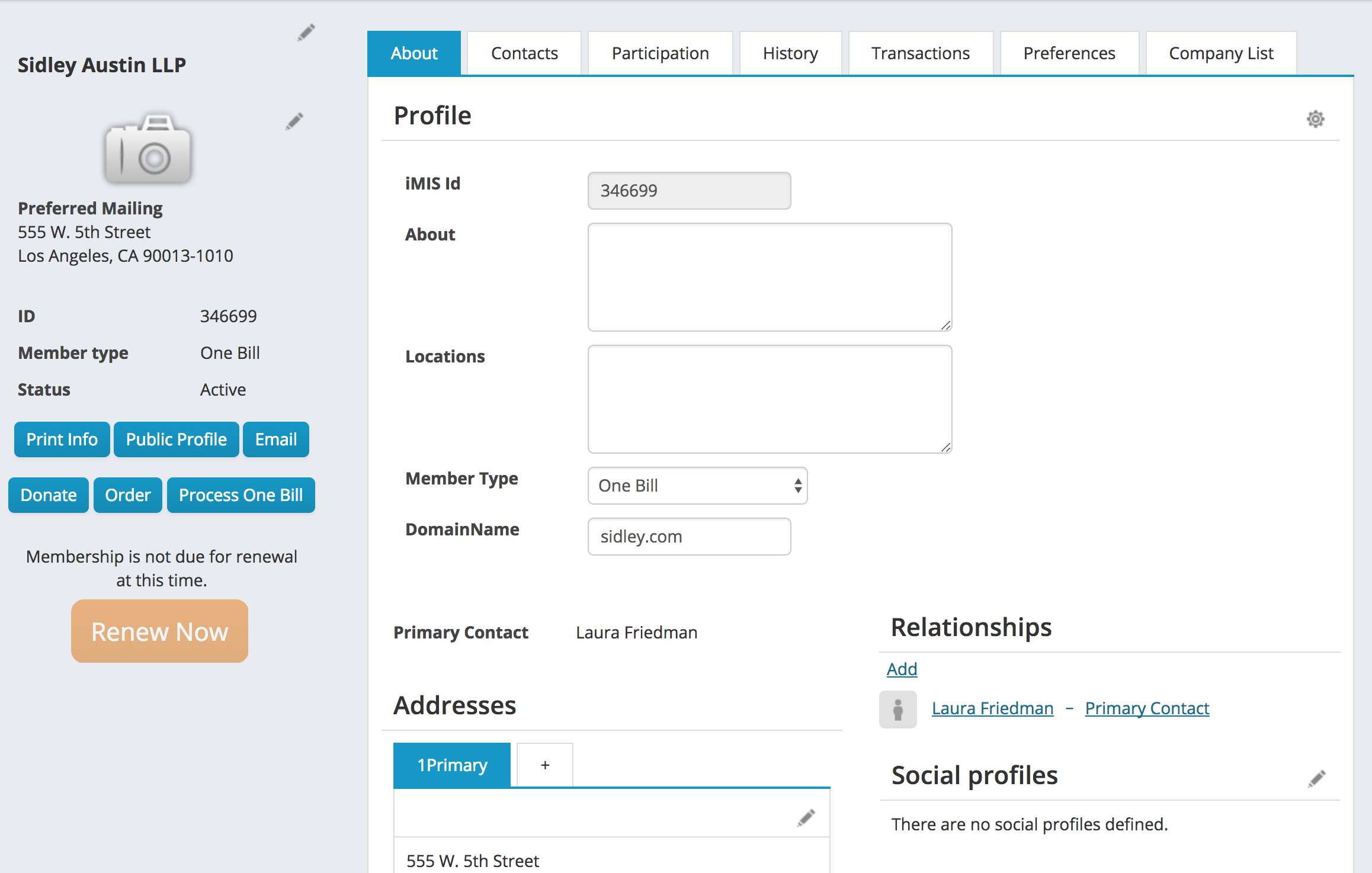
If a company already has a primary contact, their name will be displayed on the About tab for the company above the address panel. Clicking on the name of the contact under relationships will open that contact's record

Add a Primary Contact
To set the primary contact, click Add under the relationships panel.

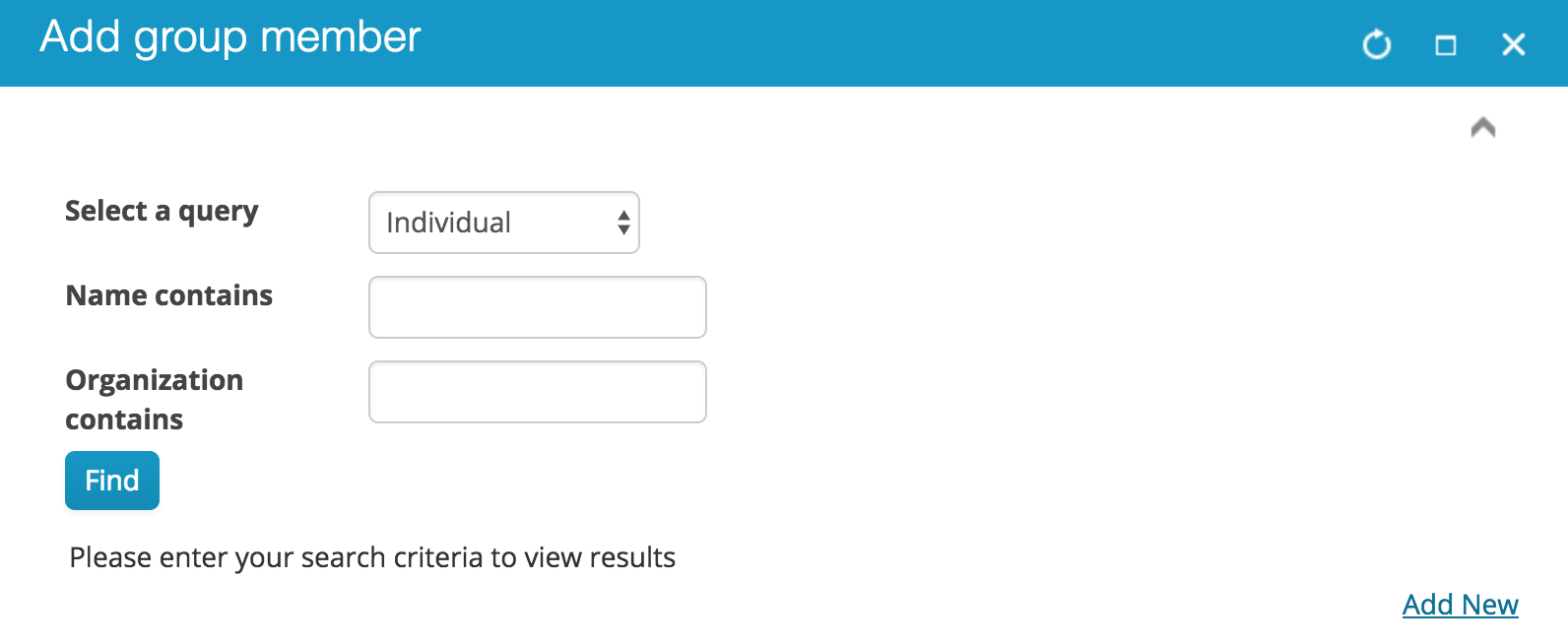
On the add group member window that opens, search for the contact
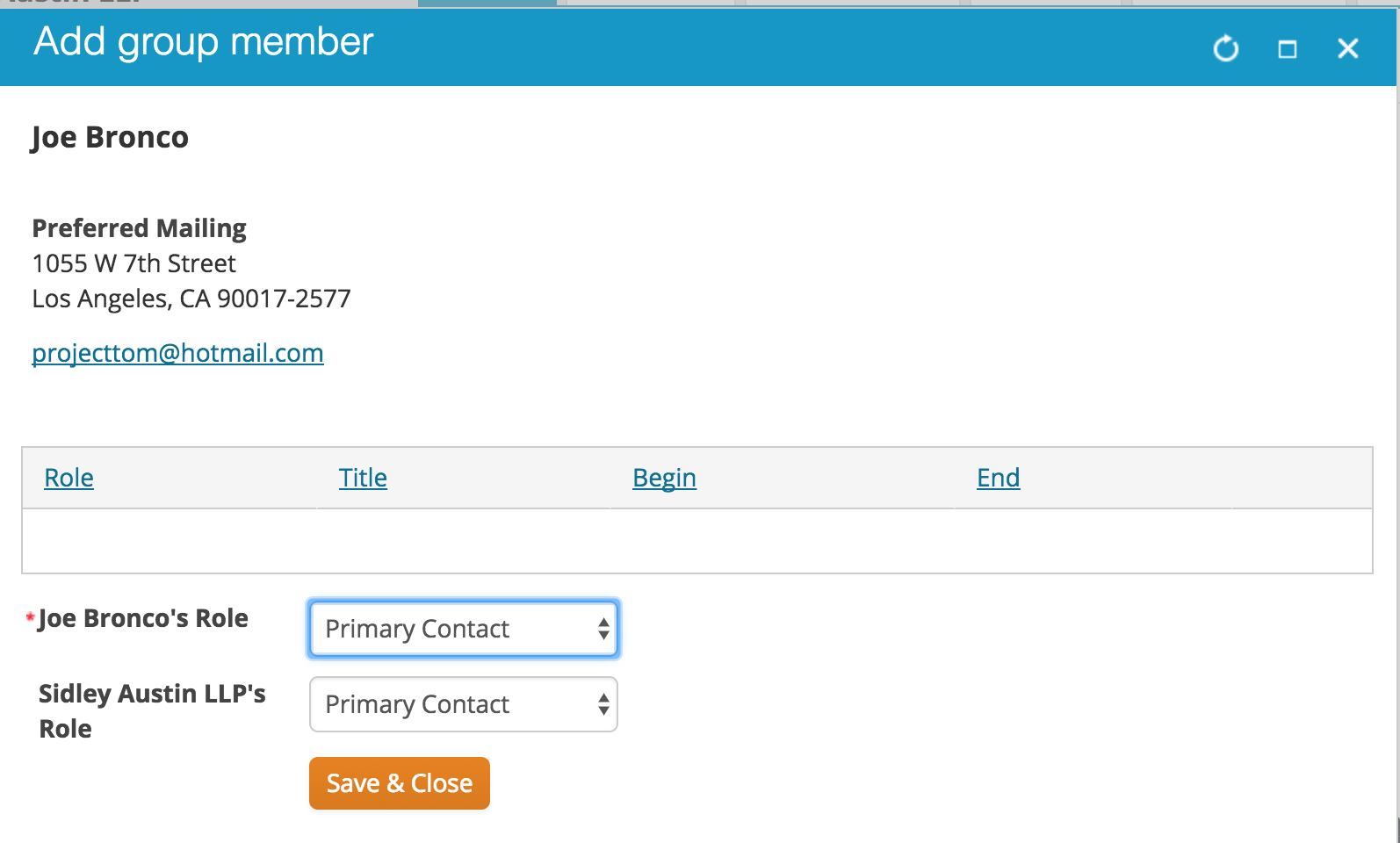
One you select the contact, chose a role of Primary Contact. Press Save & Close
Removing a primary contact relationship
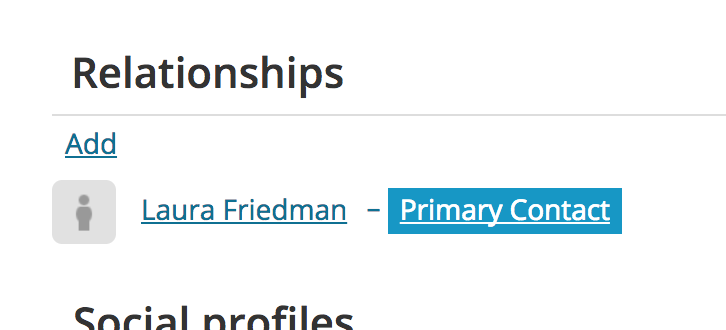
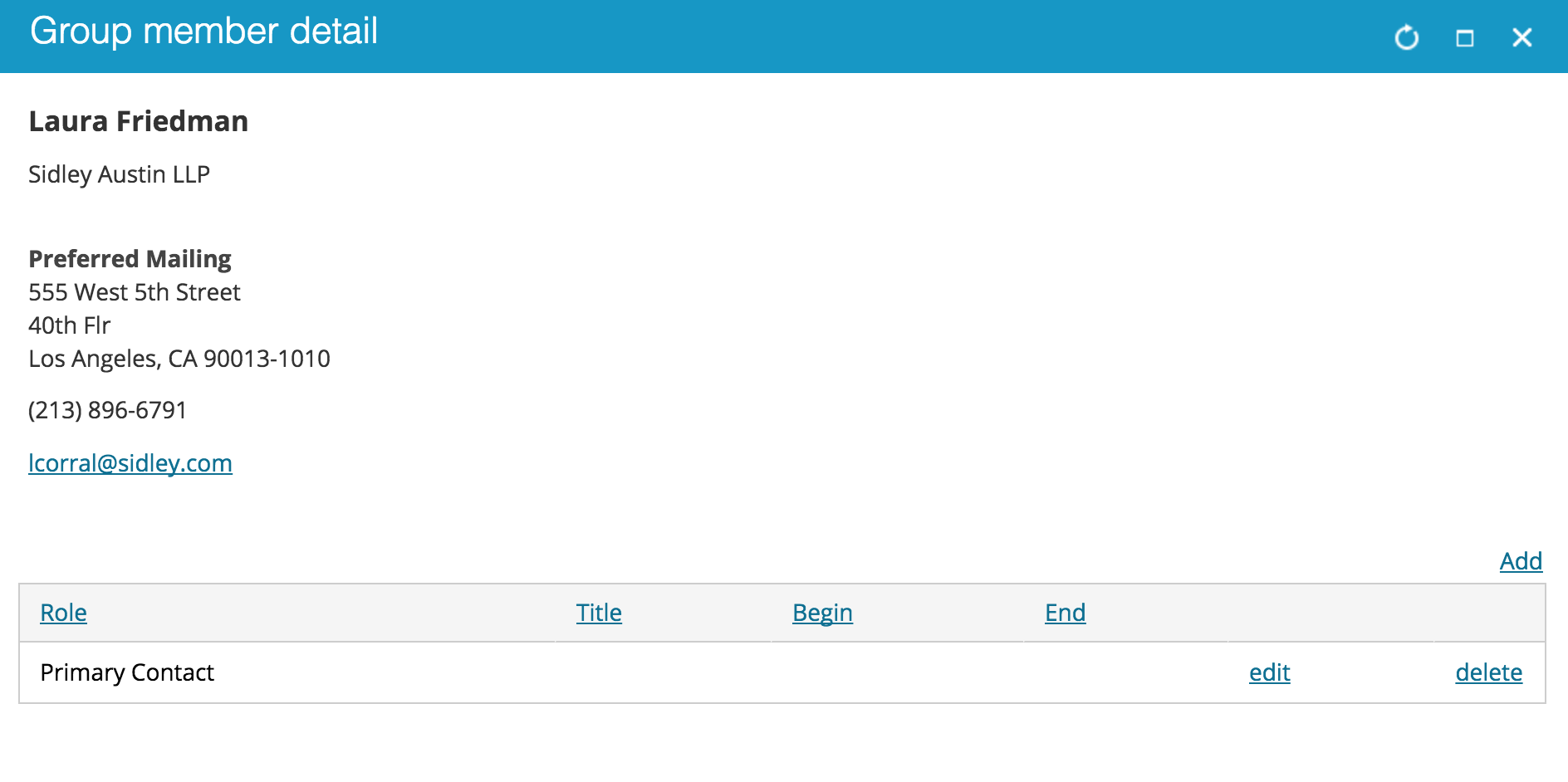
To remove a relationship, click on the Primary Contact link under relationships.
On the group member detail window that opens, click delete on the Primary Contact line. This does not delete the contact, it just deletes the Primary Contact relationship with the company.
Comments
0 comments
Please sign in to leave a comment.