
This article covers how to run a close out report for an event series such as the Inn of Court or the Corporate Law Roundtable.
How to mark an event to appear on the report
Each event that is part of the series must be marked so that it shows up on the report. To mark an event, open the event in iMIS Desktop.
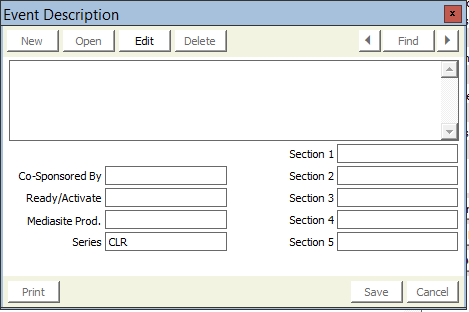
- Click More, then Description

- On the window that pops up, enter either CLR for Corporate Law Roundtable, or IOC for Inn of Court into the field called Series. This is what determines if an event shows up on the closeout report.
How to run the report
- Log into the staff site
- Go to Continuum > Event Reports
- Double click on the report called MeetingCloseoutMem.rdl

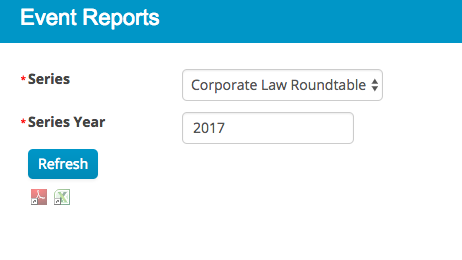
- From the dropdown list, choose the type of series
- Enter a four digit year in the Series Year field (ex. 2017)
- Press Refresh
Comments
0 comments
Please sign in to leave a comment.