
Upon creating an event, the event will have a status of Pending. The event can only be activated and displayed on the event calendar by a manager. This article describes how to request that a manager activate an event.
Requesting an event be activated
- Log onto the staff site
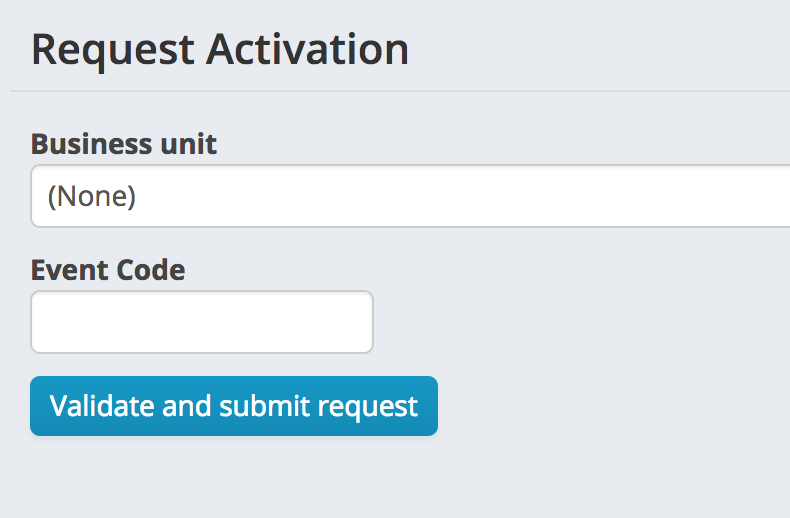
- Navigate to Events > Activate Events > Request Activation
- From the business unit drop down list, select the business unit for the program
- Enter the event code
- Click Validate and submit request
If there are validation errors with the setup of the event, they will display on screen. Correct the event set up and repeat the request.
If the event passed validation, you will see a message stating that your event has been submitted for activation. It will now appear in the queue for the event manager to review and activate.
Comments
0 comments
Please sign in to leave a comment.