
- Find or create the firm.
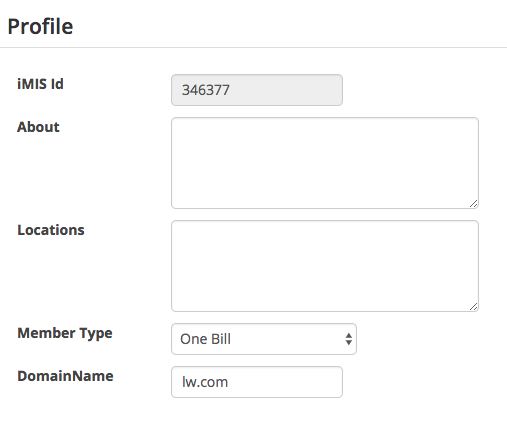
- On the profile panel, change the Member Type to One Bill
- Enter the domain name for the firm. This is the text after the @ in an email address. For example, if the email is joe@lw.com, the domain is lw.com. The domain is used to determine which records can be searched for in the company list.
- Press save at the bottom of the screen

The firm is now set up as a One Bill firm. To manage the contacts linked to the firm, see How to manage a One Bill company list.
Comments
0 comments
Please sign in to leave a comment.