
Preparing magazine labels prepares the data for printing labels for a magazine issue. It includes duplicate labels for those subscribers who receive multiple copies.
Prepare Labels
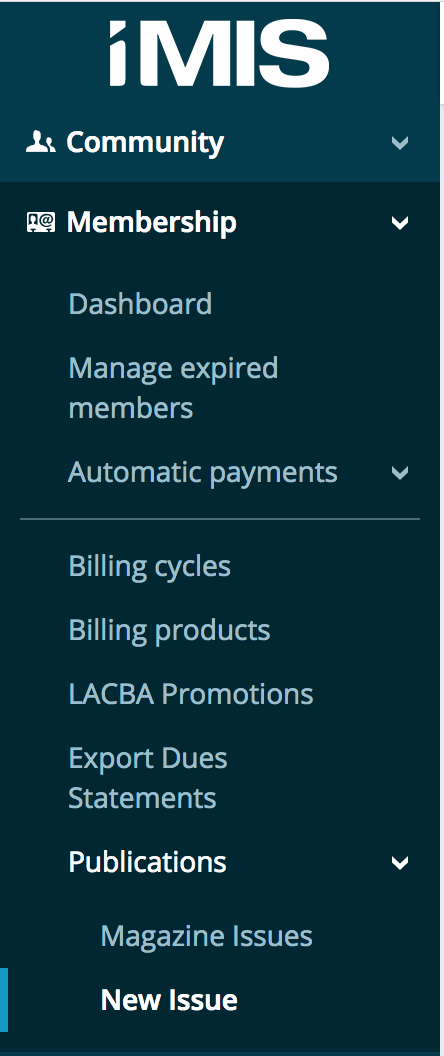
To access the publications menu, log onto the iMIS Staff Site and expand membership, then publications. Your user account will have to be in the LAL Administrators role to see this menu. If you do not see this, please submit a request to be added to this role.
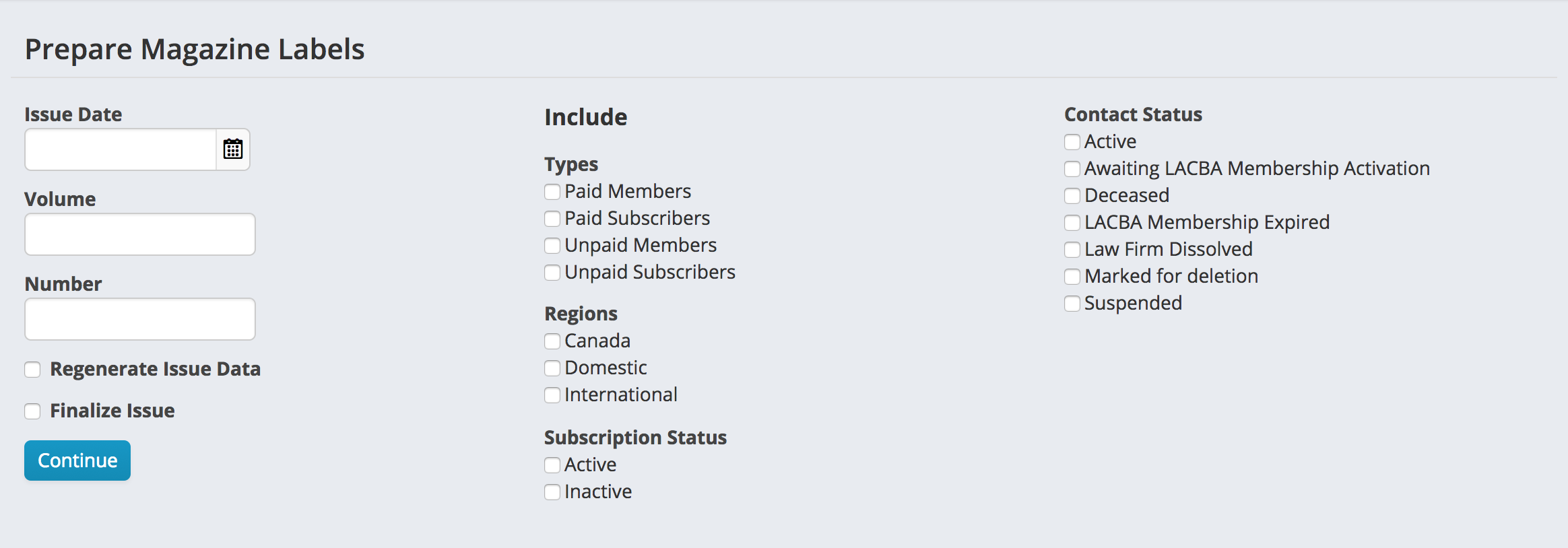
The Prepare Magazine Labels screen has fields to enter the issue date, volume and issue number. On this screen, you also select which subscribers to generate labels for. Checking the Regenerate Issue Data will create new data for the issue in case of corrections to the selection criteria. The Finalize Issue checkbox will close the issue and mark the list as final. Once you have chosen the options, press continue.
Exporting data
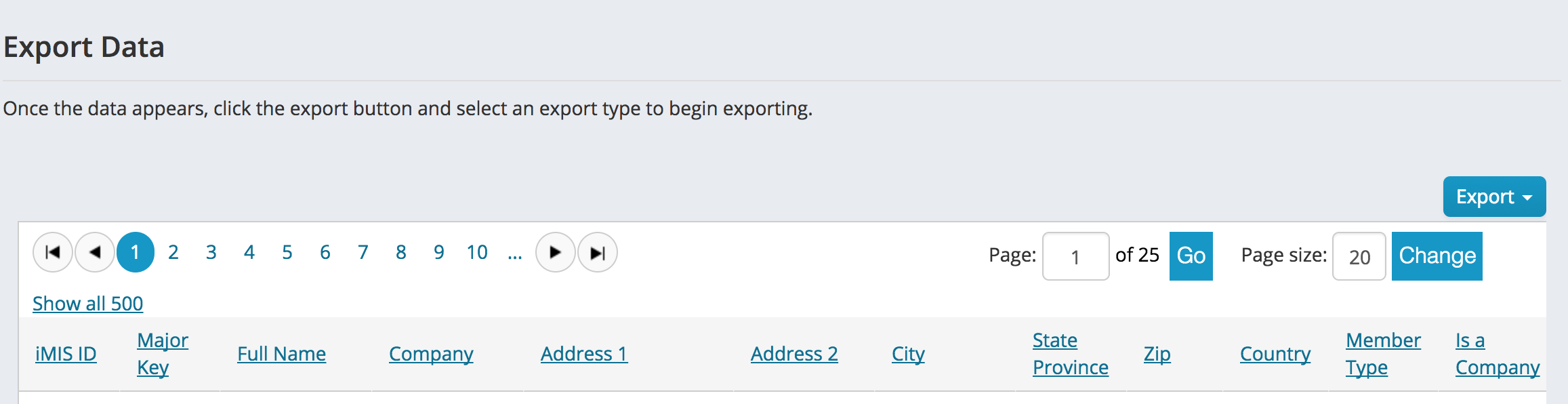
After generating the data, you can export it from the same screen. Click the Export button and choose the format for your export.
Working with existing issues
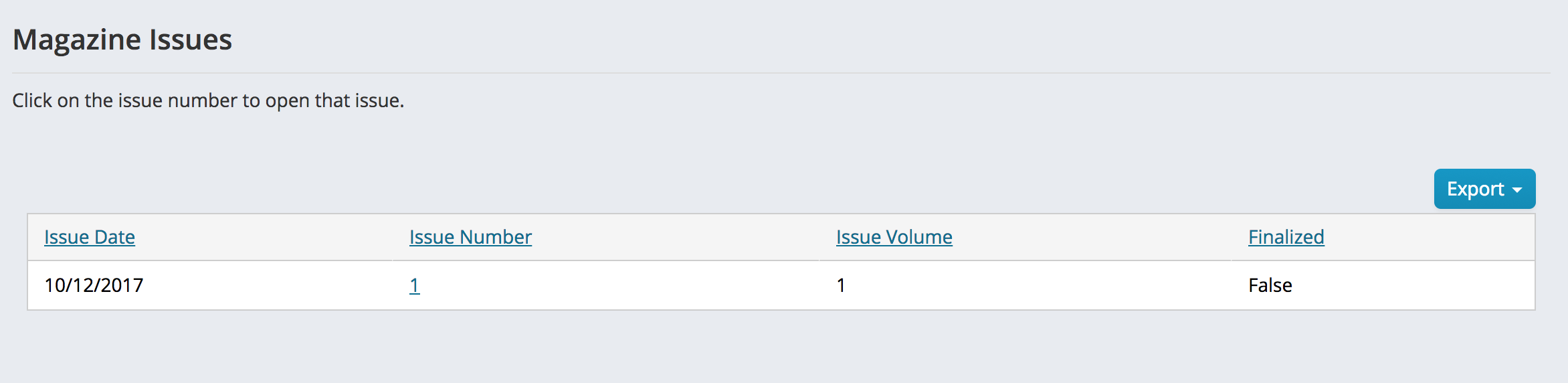
Once you have initially generated the magazine issue, you can open up the issue to re-generate or re-export the label data. To access the list of issues, click on Membership > Publications > Issues list. This screen will show you the list of previously generated issues. Click on the issue number to open that issue and work with the data.
Comments
0 comments
Please sign in to leave a comment.