
This article covers the process for exporting dues statement data to send to an outside printer/mail house.
- Log onto the staff site
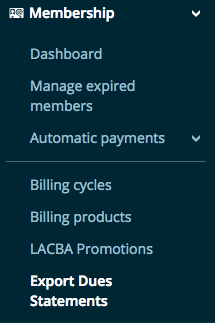
- Click on Export Dues Statements
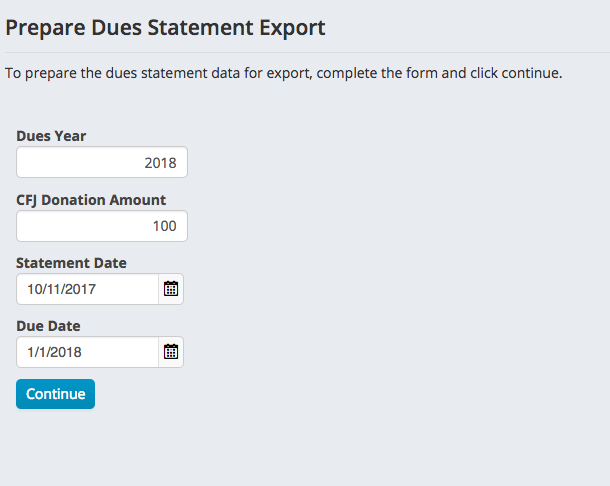
- On the Prepare Dues Statement Export form, enter the values for your dues statement run and press continue
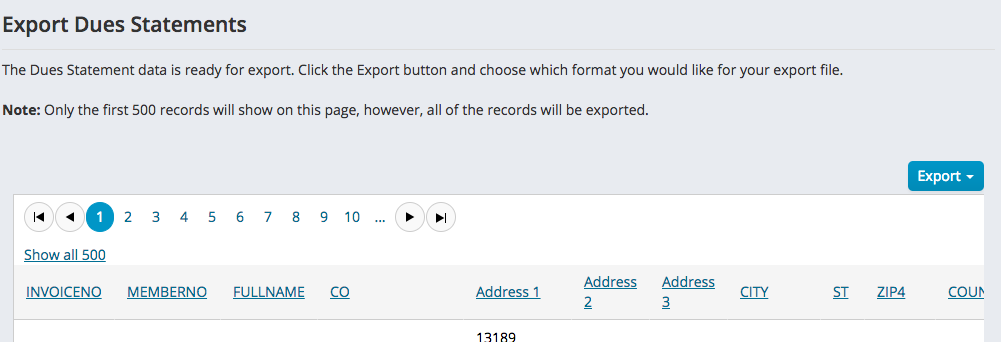
- On the Export Dues Statements screen, press the Export button and choose a file format from the dropdown list to export
Comments
0 comments
Please sign in to leave a comment.