
This article details how to export the LACBA Election list.
How to run the query
- Log into the staff site
- Click Continuum
- Click Contact Reports
- Double-click Membership Lists
- Double-click the Membership List Including Section Membership no Staff query
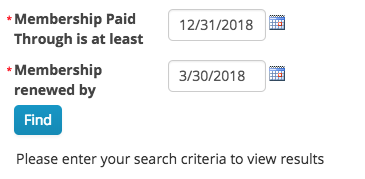
- Enter the Membership Paid Through date. This will be the date that qualifying members must at least be renewed and paid up through.
- Enter the Membership renewed by date. This will be the date that qualifying members will have renewed on or before.
- Click Find
How to export the data
- Run the query as detailed above
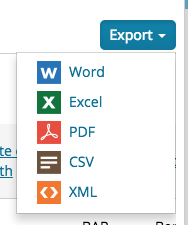
- Click the Export button
- Choose the export type
- The export will be downloaded based on your browser settings
Comments
0 comments
Please sign in to leave a comment.